

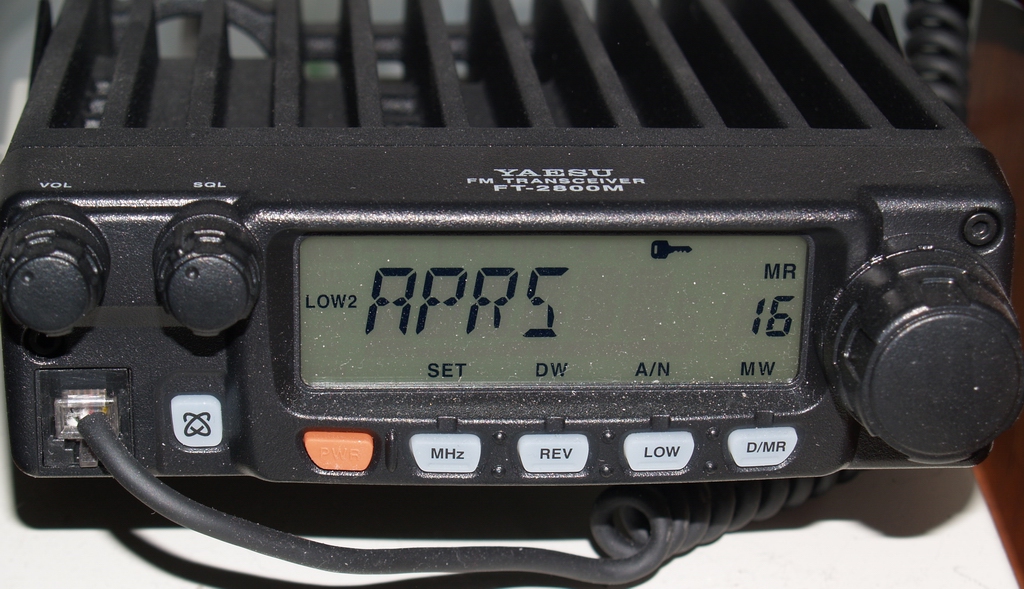

This video will give you information on how to get weather reports using APRS.
WXBOT (US-only weather reports)
https://sites.google.com/site/ki6wjp/wxbot for additional Info.
WXYO ( Worldwide weather reports)
http://www.aprs.ro/doc/WxYo.php for additional Info.
US frequency 144.390 and the TO: field will be either WXBOT or WXYO and the BODY of the message will use one of the body text below.
WXBOT commands
| DESCRIPTION | Body Text |
| Weather for today | today |
| Weather for tomorrow | tomorrow |
| Weather for the day of the week | Monday Tuesday Wednesday Friday Saturday Sunday |
| Weather by Zipcode | 5 -digit zip code |
| Weather by Airport | 3-character airport code (example: TPA) |
WXYO commands
NOTE: Can also use all of the body text of WXBOT as well.
| DESCRIPTION | Body Text |
| 3-hour weather report | 3 |
| 6-hour weather report | 6 |
| 9-hour weather report | 9 |
Reference Cards
Weather reports to your radio using WXBOT (US only)
Weather reporting to your radio using WXYO (Worldwide)
NOTE: Make sure when you print to set the SCALE% to actual size. If you want to modify it do a MAKE COPY, ENTIRE PRESENTATION, and name it whatever you want to be, then hit the MAKE COPY button.
NOTE: all comments will not appear until approved by the moderator